Ask most local business owners where they spend their marketing energy and the answer is predictable: Instagram, maybe TikTok, perhaps a Facebook post every few days. Meanwhile, Google Business Profile - the single channel that drives the most walk-ins, direction requests, and phone calls for physical businesses - sits with photos from 2021, a category that does not quite fit, and a string of unanswered reviews going back four months. The average local listing is not just underused. It is actively losing customers to competitors who bothered to fill in the fields. This is your room-by-room audit to fix that, once, and then keep it current without turning it into another weekly job.
Why Google Business Profile Converts Where Social Media Just Scrolls
Social media is a discovery channel. Google Business Profile is a decision channel. The person landing on your profile has already typed something like 'hair salon near me open Saturday' or 'best butcher in Hackney' - they are in buying mode, not browsing mode. Google's own data consistently shows that over half of all Google Business Profile views result in a website visit, a call, or a direction request within 24 hours. Instagram does not come close to that conversion rate for most physical businesses. The problem is not that GBP is unknown - it is that most owners treat it like a set-and-forget directory listing instead of a living storefront that works exactly like a well-managed shop window.
Customers searching for a local business on Google are already halfway through the door. Your listing just has to not turn them around.
The Room-by-Room Audit: What to Check, Fix, and Stop Ignoring
Think of your GBP listing as a physical premises. Every section is a room - and a messy room costs you customers. Here is the audit, section by section.
Room 1: Your Core Information (Name, Address, Phone, Hours)
- Business name must match your signage exactly - no keyword stuffing like 'Mario's Pizza - Best Pizza in Manchester'. Google penalises it and it looks cheap.
- Check your primary category and add up to nine secondary categories. Most owners pick one and stop. A gastropub should also carry 'Bar', 'Restaurant', and potentially 'Live Music Venue'.
- Verify your phone number goes to a line someone actually answers during listed hours.
- Set holiday hours in advance - a listing showing 'Closed' when you are open is the fastest way to lose a walk-in customer permanently.
- Add your website URL and check it actually loads. Broken links are more common than most owners realise after a site update.
Room 2: Photos and Visual Presence
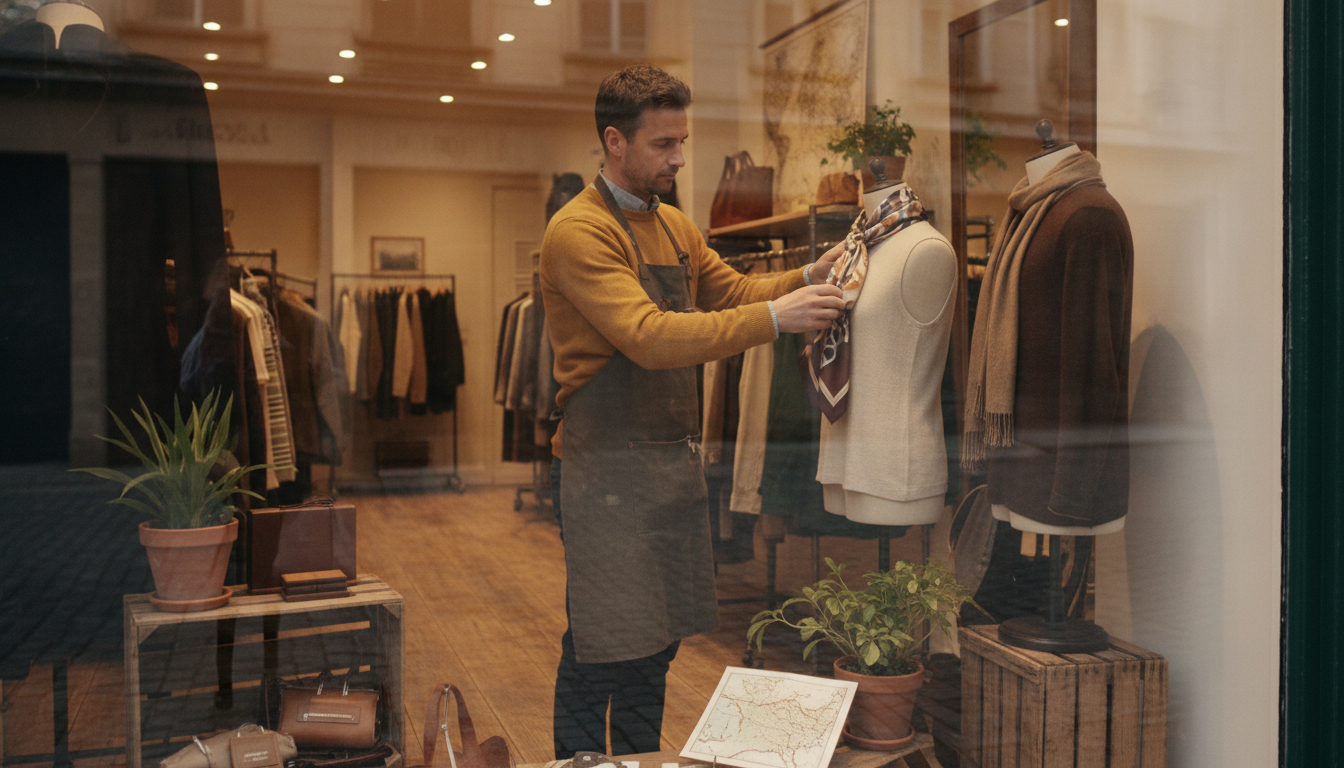
Listings with more than 100 photos receive 520% more calls than the average listing according to Google's own benchmarks. That number is so large it almost reads as a typo - it is not. Yet the median local business has fewer than ten photos, several of which are blurry, and the most recent was uploaded eighteen months ago. Here is what you actually need: an exterior shot taken in daylight from the street (so customers recognise you on arrival), three to five interior shots showing the real atmosphere, product or service shots updated with each season, and at least one photo of your team. Video clips of up to 30 seconds now display prominently on mobile - a thirty-second clip of your kitchen or your team opening up for the day does more for trust than any caption you have ever written.
Room 3: Reviews - The Room Most Owners Abandon
A profile with 47 reviews and no responses signals to every new searcher that the owner is either too busy to care or has given up. Neither is a good look. The response itself matters less than the consistency - customers reading your reviews are not just evaluating the star rating, they are watching how you handle feedback. A thoughtful, specific response to a three-star review can actually convert a hesitant reader faster than a string of unacknowledged five-stars. The rule is simple: respond to every review within 72 hours, personalise by referencing something specific in the review, and never copy-paste a template answer verbatim. For owners managing volume, AI tools like those inside Rulrr can draft review responses in your brand voice so the job takes minutes rather than being the task that never gets done.
Room 4: Google Posts - The Channel Inside the Channel
- Google Posts appear directly on your listing in search results and maps - they are essentially free ad placements on your own profile.
- Post types include What's New, Offers, and Events. Each has a different format and purpose: use Offers for promotions with a clear expiry date, Events for anything with a date attached, What's New for regular content.
- Posts expire after seven days unless you renew them - a blank posts section signals an inactive business.
- One post per week is enough. Two is better. The content does not need to be original - your best Instagram caption from this week works here too.
- Always include a call-to-action button: Call Now, Book, Order Online, or Learn More depending on what you want the customer to do next.
Room 5: Q&A, Products, and Services - The Invisible Conversion Layer
Most owners have never looked at the Q&A section on their own profile. Google allows anyone to post questions - including your competitors - and anyone to answer them. Check it today. If questions have been answered by strangers, some of those answers may be wrong. Populate the Q&A section yourself with the five questions customers ask most often: parking, payment methods, whether you take walk-ins, your busiest hours, and your most popular item or service. The Products and Services sections allow you to showcase specific offerings with descriptions, prices, and photos. A nail salon listing five specific services with photos converts significantly better than a generic 'beauty salon' with nothing listed. Fill these sections as if you are talking directly to a customer who has never heard of you.
How to Keep It Fresh Without Adding Another Task to Your Week
The audit above is a one-time fix that takes most owners two to three hours. The bigger challenge is consistency - a Google Business Profile that goes dark for eight weeks starts to slide in local rankings and lose the trust signals that make new customers click through. The answer is not a new weekly commitment. It is building a system that reuses what you are already creating. When you shoot a photo for Instagram, send it to GBP too. When you write a promotion email, paste the core message as a Google Post. When Rulrr generates your weekly content batch, the same assets that go to social can feed your GBP Posts automatically - one creation effort, two active channels. The businesses that dominate local search are not doing more work. They are routing the same work through more of the right places.

The Five-Minute Weekly GBP Habit
Block five minutes every Monday morning for a single GBP check. Open your profile as a customer would, on mobile. Ask: is the most recent photo less than four weeks old? Is there a current Google Post live? Are there unanswered reviews? Has anything changed in hours or contact details? That five-minute check, run consistently, will keep your listing in better shape than 90% of the local competition around you - most of whom have not looked at their profile since they set it up.
The One Number That Should Motivate You to Do This Today
Google provides free Insights data inside your Business Profile dashboard. Open it now and look at the number labelled 'Search views' - how many times your listing appeared in a local search in the last 28 days. For most local businesses with a moderately active listing, that number sits between 500 and 3,000 per month. Every one of those views is a person who was already looking for what you sell, in your area, right now. Your Instagram post this week was seen by a fraction of that number, with a far lower intent to buy. The listing you have been ignoring is already your busiest marketing channel. You are just not working it.